A fast, native viewer for KiCad projects. Browse schematic sheets, toggle every PCB layer, and keep your bill of materials open right at the bench — from local files or straight off GitHub.
What it does
No exports, no PDFs, no “let me check when I’m back at my machine.” Open the real project files and inspect them the way you would in the editor.
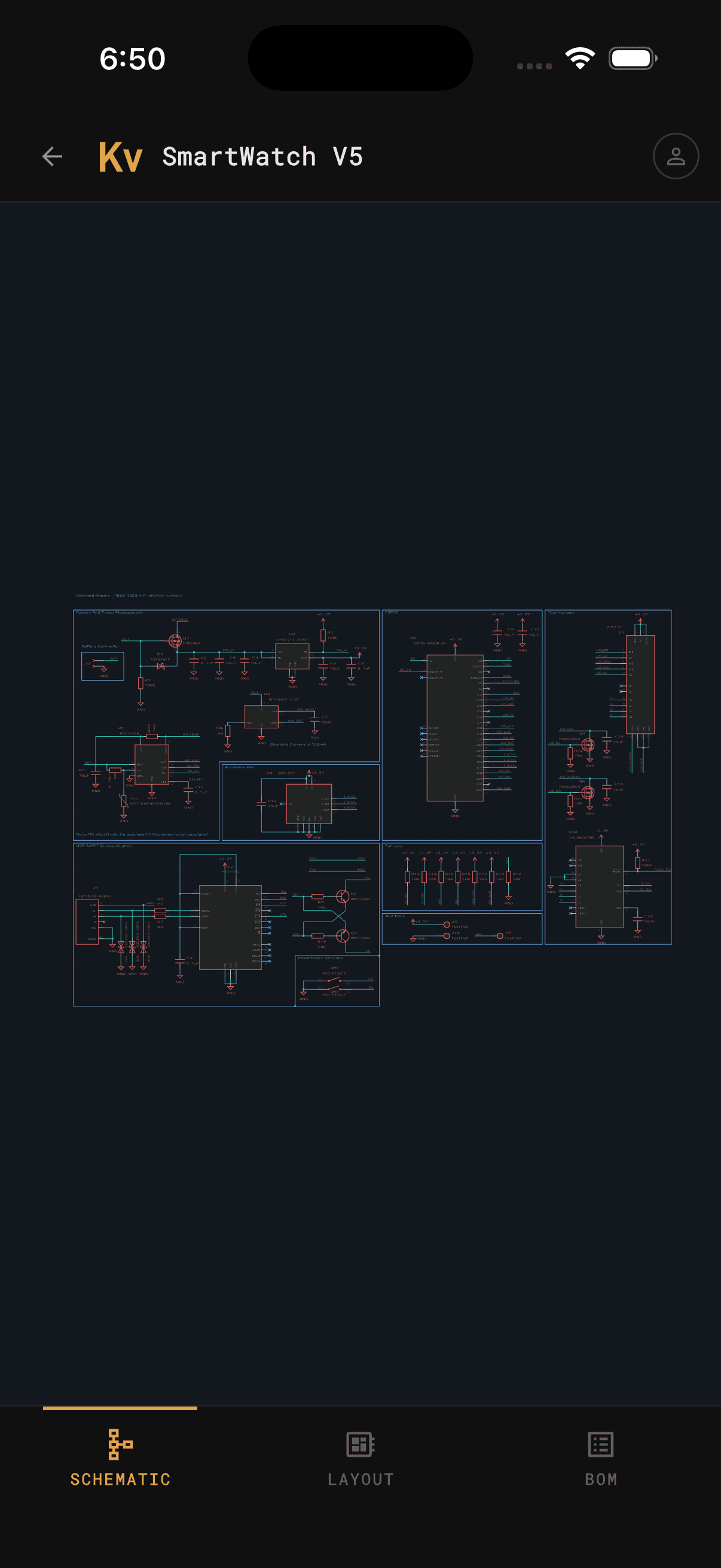
Point the app at a .kicad_pro on your device and it parses everything locally — schematic sheets, the board, and the full BOM. Nothing leaves your phone.
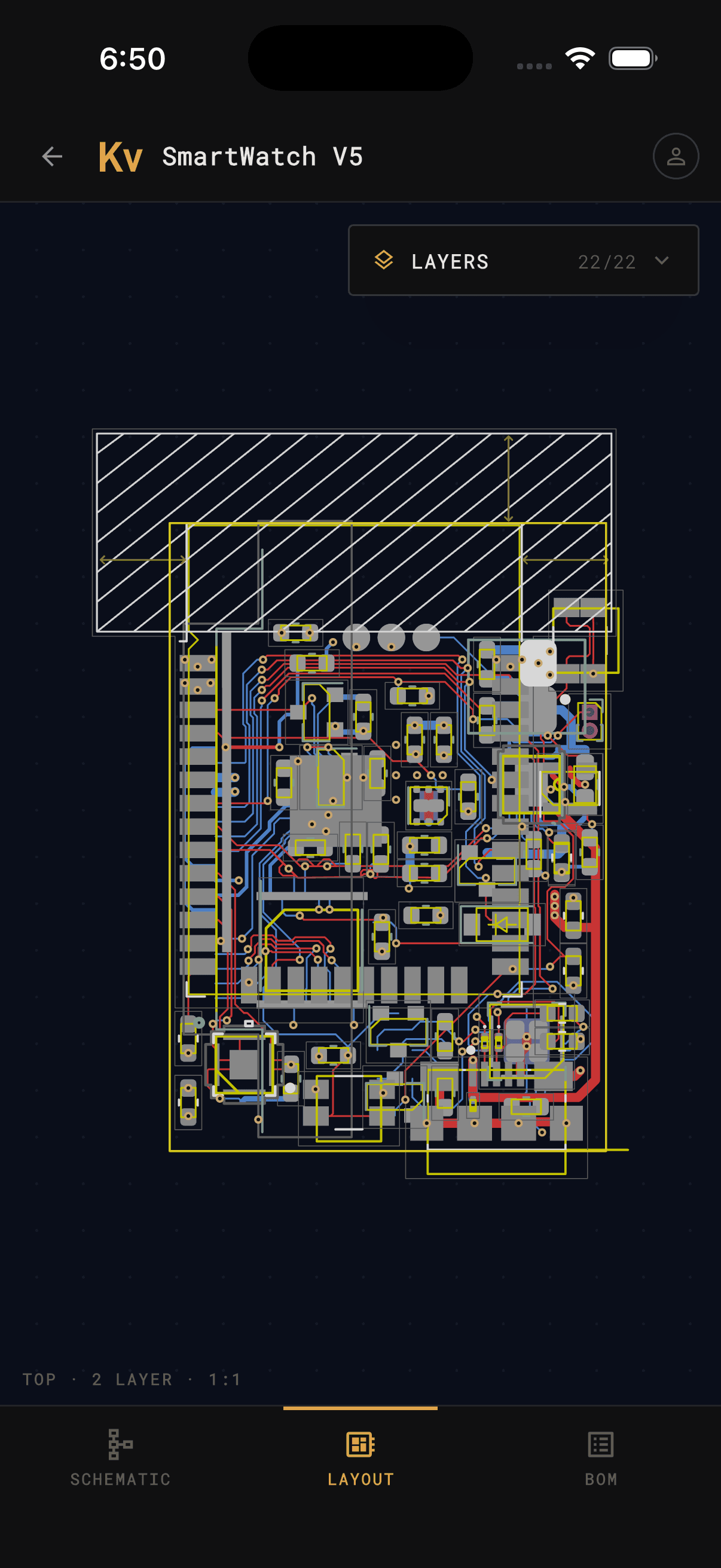
Pan, zoom, and toggle every copper, silkscreen, fab, and courtyard layer — rendered in KiCad-accurate colors. Isolate a single net or see the whole stackup at once.
Sign in and open any repository — public or private. Clone a board and start reviewing it in seconds, no desktop checkout required.
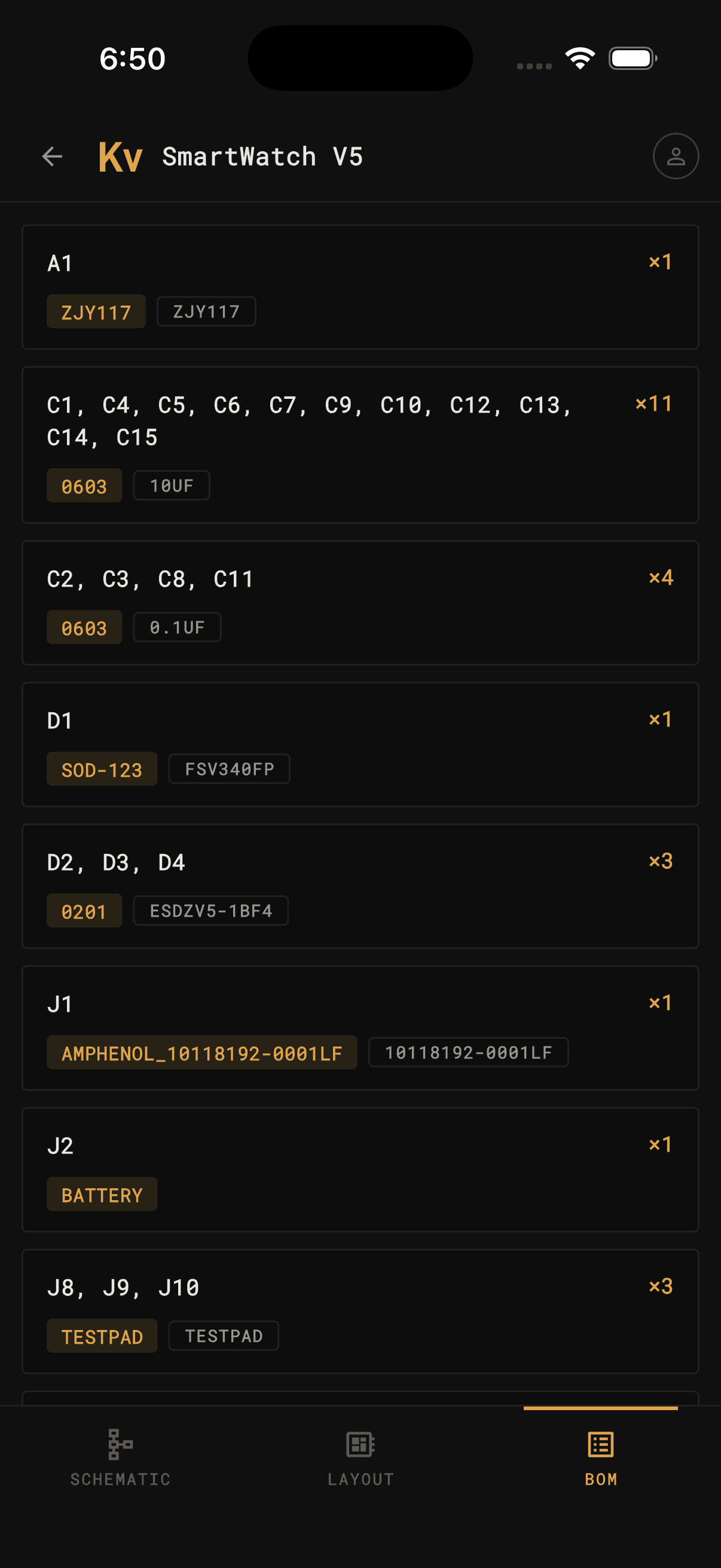
Keep the BOM and board side by side while you populate. Search any reference designator, read off its value and footprint, and tap a part to highlight it on the board.
Layer control
Every layer keeps its real KiCad name and color. Show the whole board, or peel it back to a single copper layer to trace a net by eye.
At the bench
This is what KiCad Viewer was made for. Prop your phone up next to the reel, pull up the bill of materials, and work through the board one part at a time — quantities, grouped reference designators, values, and footprints, exactly as they appear in your project.
Get the app
KiCad Viewer is launching soon on iOS and Android. Both apps land at the same time — check back, or follow along for the release.
 KiCad Viewer